
Local channels are the one thing broadcast television still gives away. Your ABC, CBS, NBC, Fox, PBS, and CW stations send their signals through the air for free, the way they always have. Cable spent decades charging for those same channels, and most households forgot the signal was free. Getting it back takes an antenna, an internet connection, and about an hour of patience.
Start with an antenna, and set honest expectations
The antenna is the whole trick, so do it properly. Before buying anything, check what reaches your address. AntennaWeb, run by the broadcast industry, and the independent site rabbitears.info both let you enter a zip code and see which stations broadcast from which direction and how far their towers are. The FCC’s DTV reception maps do the same job. This five-minute check decides everything: towers ten miles away across flat ground mean a basic flat antenna will probably do it, while forty miles over a ridge means something on the roof.
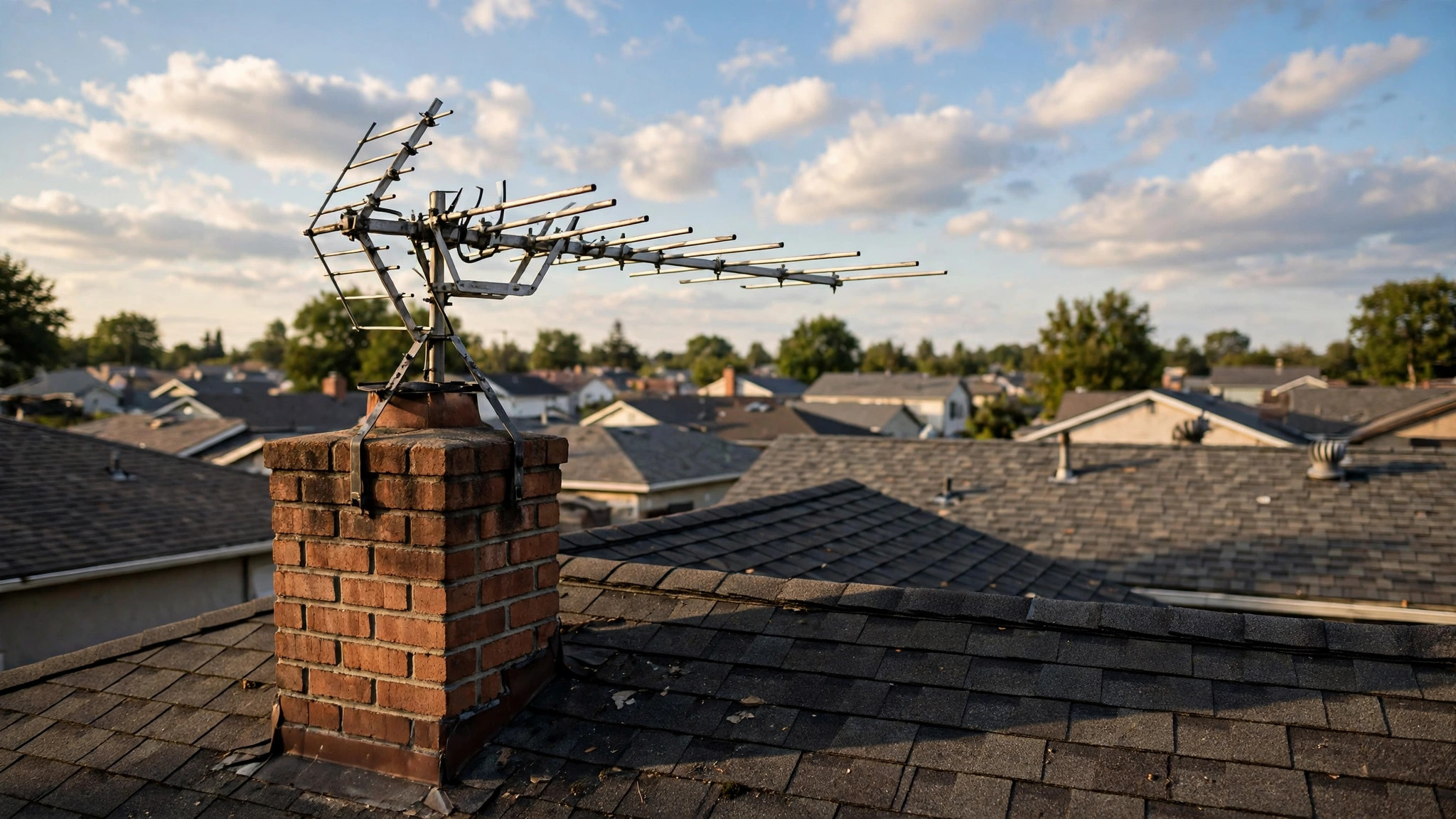
Indoor antennas are flat panels, like the Mohu Leaf or the Antennas Direct ClearStream Flex, that stick to a wall or window. They work best in cities and suburbs, close to the towers, with a window facing the right direction. Outdoor and attic antennas, like the ClearStream 2V and 4V, the Winegard FlatWave Air, or a classic Channel Master yagi, are bigger, uglier, and far more capable: they pull weaker signals, handle distance, and ignore your walls.
Two things people get wrong. First, an amplifier helps only when the signal is weak, not blocked: if a hill or concrete building stands between you and the tower, an amplifier boosts noise along with everything else and changes nothing. Second, some stations still broadcast on VHF, and many flat indoor antennas are weak there. A missing channel is often a VHF station, and a larger antenna with VHF elements fixes it.
What you get is the major networks in high definition plus subchannels: classic TV on MeTV and Antenna TV, movies on Comet and Charge!, Spanish-language stations, weather, and local religious and shopping channels. Reception varies with weather, trees, and placement, so expect to move it around and rescan a few times. A rescan every few months is normal, because stations occasionally move frequencies.
Our take: buy the antenna your tower distance calls for, not the one with the prettiest box. Federal rules help here: the FCC’s over-the-air reception rules bar homeowners associations and landlords from unreasonably blocking antennas, so an HOA telling you “no antennas” is usually on the wrong side of that rule.
The free apps that fill the gaps
An antenna covers live broadcasts. Apps cover everything around them, and several are genuinely free and legal.
Start with the network apps. The ABC, NBC, and Fox apps stream recent episodes and clips free, and the CBS News app streams live CBS News around the clock. The PBS app is the quiet star: your local station’s live stream and a deep library of documentaries and dramas, free, with no cable sign-in. Most local stations stream their own newscasts live, the easiest local news without an antenna.
Then the free streaming services. Pluto TV runs live channels, including CBS News and local news feeds, plus on-demand movies. Tubi is mostly on-demand, but its catalog is large and it costs nothing. The Roku Channel and Xumo Play offer similar mixes, and Haystack News builds a personalized local and national newscast from many station feeds. None require a credit card; they are ad-supported, which is how they pay for the content.
One honest caveat: some network apps lock their newest full episodes behind a TV provider sign-in. The free tier gets clips, recent episodes after a delay, and live news, but not always the full current season on day one. Check before you cancel anything.
Our take: the antenna plus two or three of these apps covers more than most households watch, and the apps are the backup for bad-weather days and missed shows.
If you want a DVR
The one thing an antenna alone cannot do is record. To pause live TV or record the evening news, you need a tuner box with a hard drive.
The simplest option is a Tablo: it connects to your antenna and network, records to a drive, and streams recordings to your TV, phone, or tablet. Current models include the program guide free, with no subscription for the basics. The other common route is SiliconDust’s HDHomeRun paired with Plex, which records the signal and serves every screen in the house. That setup is more powerful and more fiddly, and Plex’s full guide data is paid, so budget for that. AirTV, sold alongside Sling, is a third option in the same mold.
None of this is as simple as a cable DVR; you are the technician now. But once running, you can record several local shows at once and watch them anywhere in the house.
The paid middle ground
Some households want everything in one guide, one remote, and no antenna project. That is what paid live TV services are for. YouTube TV, Hulu + Live TV, and Fubo carry local ABC, CBS, NBC, and Fox stations in most markets, plus cable channels and cloud DVR, in a single app. Sling costs less and carries locals in fewer markets, so check your zip code first.
These cost a real monthly amount, more than the free options and less than the old cable bundle for most people. Whether that is worth it depends on how much you value simplicity. If the antenna and apps cover your viewing, rotating a single streaming subscription for a month at a time is usually the cheaper play. We wrote a full guide to picking and rotating streaming services without overpaying, and the same logic applies: pay for what you are actually watching this month, and nothing else.
Our take: try the free route first for two weeks. If the household revolts, the paid services are still there, and you will know exactly which channels you actually missed.
What you give up versus cable
The trade-offs are real. You lose the single unified guide: the antenna, network apps, and free services each have their own interface, and switching between them is slower than flipping channels. You lose regional sports networks, which keep many households on cable, and some cable-only channels never appear in the free apps. Reception can drop out in heavy storms, and an attic antenna is a project someone has to climb up and do.
Everyone has to learn that locals live on the antenna input and everything else lives in apps. That takes about a week. Kids adapt instantly. Grandparents take longer.
Our take: the trade-offs are inconvenience, not content. Almost everything worth watching is available free or cheap; what cable sells is having it all in one place.
The bottom line
Buy the antenna first, based on tower distance, and run a channel scan. Add the PBS app and one or two free services for the gaps, and a Tablo or HDHomeRun only if you miss recording shows. Go paid only if the free setup genuinely does not fit your household, and check which locals it carries in your zip code before you pay.
And once the antenna is connected, take twenty minutes to set the TV up properly, including the channel scan and the input settings. Our guide to setting up a new smart TV covers the settings that matter on day one, and the tuner setup is part of it.