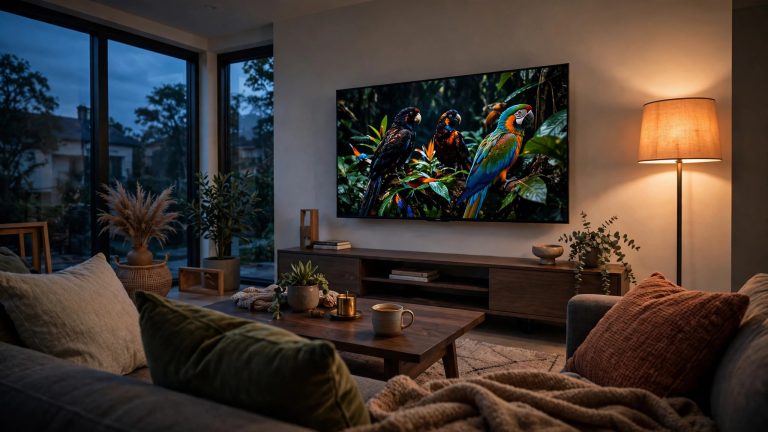
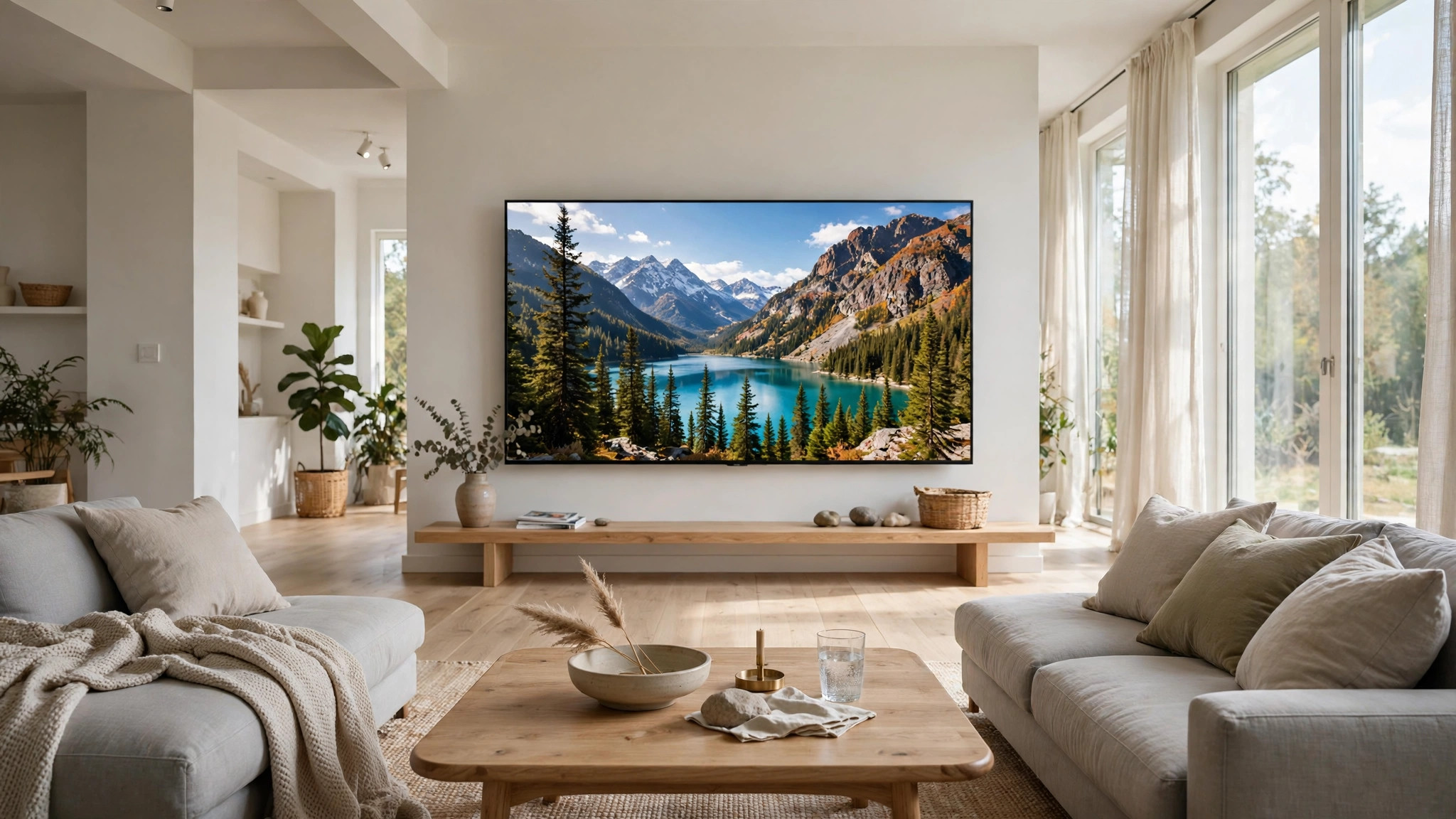

Ask TV owners what they regret, and the answer is rarely the brand or the panel. It is the size. Almost everyone who regrets a TV bought one too small, and almost nobody wishes they had gone smaller. Size is the most underrated specification on the box. The right size is mostly a math problem, and the math is simple once you know your seating distance.
The viewing distance rule of thumb
The old rule came from the 1080p era, when sitting too close meant seeing individual pixels. The guidance was to sit roughly one and a half to two and a half times the screen’s diagonal away, so a 55-inch TV wanted eight or nine feet. Anything closer looked soft.
4K changed that math completely. A 4K screen packs four times the pixels of a 1080p screen, so the pixels stay invisible much closer, and the rough modern guidance is about one to one and a half times the diagonal. A 65-inch 4K TV is comfortable at six to eight feet, a 75-inch set works at eight to eleven, and an 85-inch screen, which sounds absurd, is fine at ten to fourteen feet, the couch-to-wall distance in many open-plan living rooms.
Use those numbers as a starting point, not a law. Cinema standards suggest a viewing angle of roughly 30 to 40 degrees: the screen should fill a good chunk of your field of view without forcing you to turn your head. Some people love that immersive feeling, some find it tiring. Eyesight, habit, and what you watch all shift the answer. Sports and movies reward bigger; news and background viewing do not need it.
Our take: measure your seating distance, cushion to screen, and buy the biggest size it supports. Torn between two sizes, go bigger. People almost never regret that choice.
Why 4K changed the size math
The reason is pixel density. On a 1080p TV, the pixels are large enough for your eye to resolve from a normal seat if the screen is big, giving the picture a faint screen-door texture. On a 4K TV of the same size, each pixel is half the width, and from the same seat your eye cannot pick them out. The picture stays sharp, and a bigger screen looks more immersive instead of more pixelated.
This is also why 8K does not change the calculation for most buyers. There is almost no native 8K content, and at normal distances your eye cannot resolve the extra detail. Buying 8K for the resolution alone, at the expense of size or picture quality, is spending money on the wrong thing. A 65-inch 4K TV with a great panel beats a 55-inch 8K TV every time.
Our take: 4K is the reason you can buy bigger than your parents could. Take advantage of it.
Your room and seating decide the rest
Distance is the main input, but the room gets a vote. Measure from where you actually sit. A sectional has a prime seat and a corner seat, often two feet farther away and at an angle. With two rows of seating, the back row sets the size. Kids watching from the floor are closer than the couch, and if a big screen overwhelms them they will scoot back on their own.
Check the width too. A 75-inch TV is about five and a half feet wide and needs a wall or stand that wide, with room to walk past. In a narrow room it can dominate the wall and crowd the walkways. Light matters as well: a big screen in a bright room shows glare across a larger area, so a bright room argues for strong brightness and good anti-reflection, a panel decision. Our guide to OLED, QLED, and Mini-LED explains which technology suits which room, and it is worth reading once the size is nailed down.
Mounting versus a stand
How the TV sits affects what size works. Wall mounting gets the screen at eye level, with the center of the screen roughly at a seated viewer’s eye height, and it frees the surface below, which matters in small rooms. The catches are real: you need to hit wall studs, not just drywall, the mount should tilt if the TV sits above eye level, and a soundbar mounted below needs its own clearance.
Never mount a TV high over a fireplace. It looks dramatic in photos and feels terrible in practice: your neck tilts back for every show, and rising heat is bad for the electronics. If the fireplace wall is the only option, a pull-down mount that drops the TV to eye level is the honest fix, and it costs more than a fixed mount.
A stand is simpler and more forgiving. The catch is the feet: many 65-inch and larger TVs have feet at the far edges, so the console must be nearly as wide as the TV. Measure the distance between the feet, not just the diagonal, and make sure the console is wider than that span. A TV overhanging its stand looks wrong and is a tip hazard with kids or pets around. The stand also sets the height: a low console puts a big TV at good eye level, a tall dresser puts it too high.
Our take: mounting wins in small rooms and dedicated spaces, a stand wins for flexibility. Either way, get the center of the screen to eye level. That detail matters more than the mount brand.
When bigger is wrong
Bigger stops helping in a few situations. If you turn your head to follow the action or your eyes tire after a show, the screen is too big for the distance. Sports tickers and subtitles at the far edges of your vision are the early warning signs. If the TV dominates a small room so conversation feels like sitting in a cinema lobby, it is too big for the space, whatever the math says.
The other case is budget. A bigger TV with a mediocre panel is not automatically better than a smaller TV with a great one. Between a 75-inch budget LCD and a 65-inch OLED or high-end Mini-LED at the same relative cost, the smaller, better TV wins for movies in a controlled room, and the bigger one wins for bright rooms and sports. Our OLED, QLED, and Mini-LED guide lays out that trade-off in detail.
Our take: size first, panel second, but never size at the expense of a panel you will hate looking at for five years.
The bottom line
Measure your seating distance, use the rough guide of one to one and a half times the diagonal for 4K, check the wall and stand width, and get the center of the screen to eye level. Torn between two sizes, go bigger. Most people regret the smaller choice; almost nobody regrets the bigger one, as long as the distance supports it.
Then set the TV up properly once it is home. The out-of-the-box picture mode is tuned for a bright store floor, not your living room, and twenty minutes of setup is free picture quality. Our guide to setting up a new smart TV covers the twelve settings that matter on day one, including picture mode and motion handling.
For the panel decision, start with our comparison of OLED, QLED, and Mini-LED, which explains how each behaves in bright and dark rooms. Size gets you immersion, the panel gets you the picture. Get both right and the TV disappears, which is the whole point.